Printer Disposal Singapore: Moving 100kg Copiers Out of Your Office Without the Drama
By Junk Express Team
That 100kg Copier Isn't Going Anywhere on Its Own
Here's a scenario we see constantly: the lease on your multifunction copier expired six months ago. The leasing company collected the newer model but left the old one behind — "end of life, not our responsibility." Now it's sitting in the corner of your print room, gathering dust, and your office manager just got told the space needs to be cleared for renovation.
If your handover is this week and the office still has furniture in it, commercial team is what you want — share access window and we'll commit to a finish time.
Floor-standing office copiers are deceptively heavy. A standard multifunction unit runs 80–120kg. The larger production models push past 150kg. They don't fit in passenger lifts without careful manoeuvring. They contain residual toner — a fine powder you absolutely don't want scattered across your office carpet. And they're classified as e-waste under Singapore's regulatory framework.
In our 10+ years clearing Singapore offices, we've removed hundreds of these machines. The job is never as simple as "just wheel it out." Here's what's actually involved.
Check Your Lease Agreement First (Most People Skip This)
Before you call anyone for disposal, dig out your copier lease contract. Look for the return clause.
What we've learned from years of dealing with this: roughly half the lease agreements we encounter do include an end-of-lease collection provision — but only for units the leasing company intends to refurbish. If your copier is genuinely end-of-life (too old to resell, parts no longer manufactured), the lessor often declines collection. They'll send you a letter confirming "disposal is the lessee's responsibility."
If that letter exists, you're on the hook. Don't wait for the leasing company to change their mind. They won't.
The Toner Problem Nobody Warns You About
Toner cartridges — both the ones installed and any spares in storage — need separate handling. Here's why this matters:
Residual toner is messy and potentially irritating. A half-used cartridge can leak fine black or colour powder during transport. We've seen office carpets permanently stained because someone tried to tip a copier onto a trolley without removing the cartridges first.
Best practice before we arrive:
- Remove all toner cartridges and drums from the machine
- Seal them in plastic bags (the original packaging if you still have it)
- Keep them separate from the main unit
We handle both the machine and the cartridges — they go through proper recycling channels as e-waste. But separating them before the pickup prevents mess and speeds up the removal.
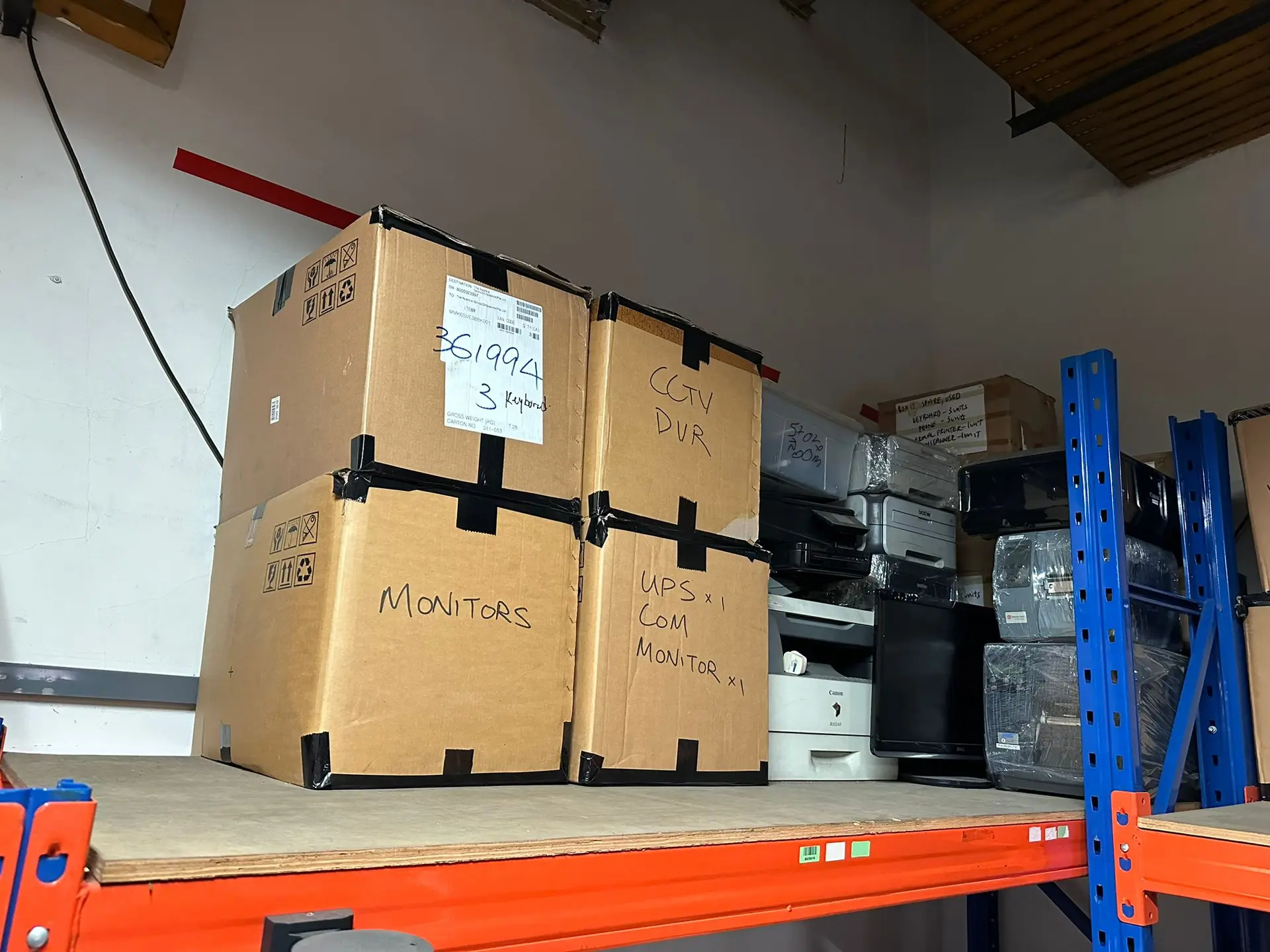
The Weight and Access Challenge
A desktop inkjet? Anyone can carry that. A floor-standing multifunction copier with a paper-feed pedestal, finisher unit, and sorter tray? That's a two-to-four person job with proper equipment.
Commercial buildings: Most office copiers live on upper floors. Moving them means using the service lift — and that requires booking a time slot with your building management. The freight lift has weight limits, time windows, and often needs padding arranged through your MCST. This is on you to arrange before we arrive. We can't liaise with your building management directly, but we'll confirm what access we need so you can book the right slot.
Key logistics we handle:
- Disassembly of modular components (sorter trays, paper feeders, finisher units) to reduce bulk
- Wrapping to prevent toner residue transfer in corridors and lifts
- Manoeuvring through narrow server rooms and print alcoves — we've cleared copiers from rooms where the door was narrower than the machine (yes, it was installed before the partition wall went up)
Ground-floor offices or warehouse units: Simpler access, but we still need a clear path to the loading point. Ramps may attract a surcharge depending on the setup.
Why Copiers Are E-Waste (Not General Bulky Waste)
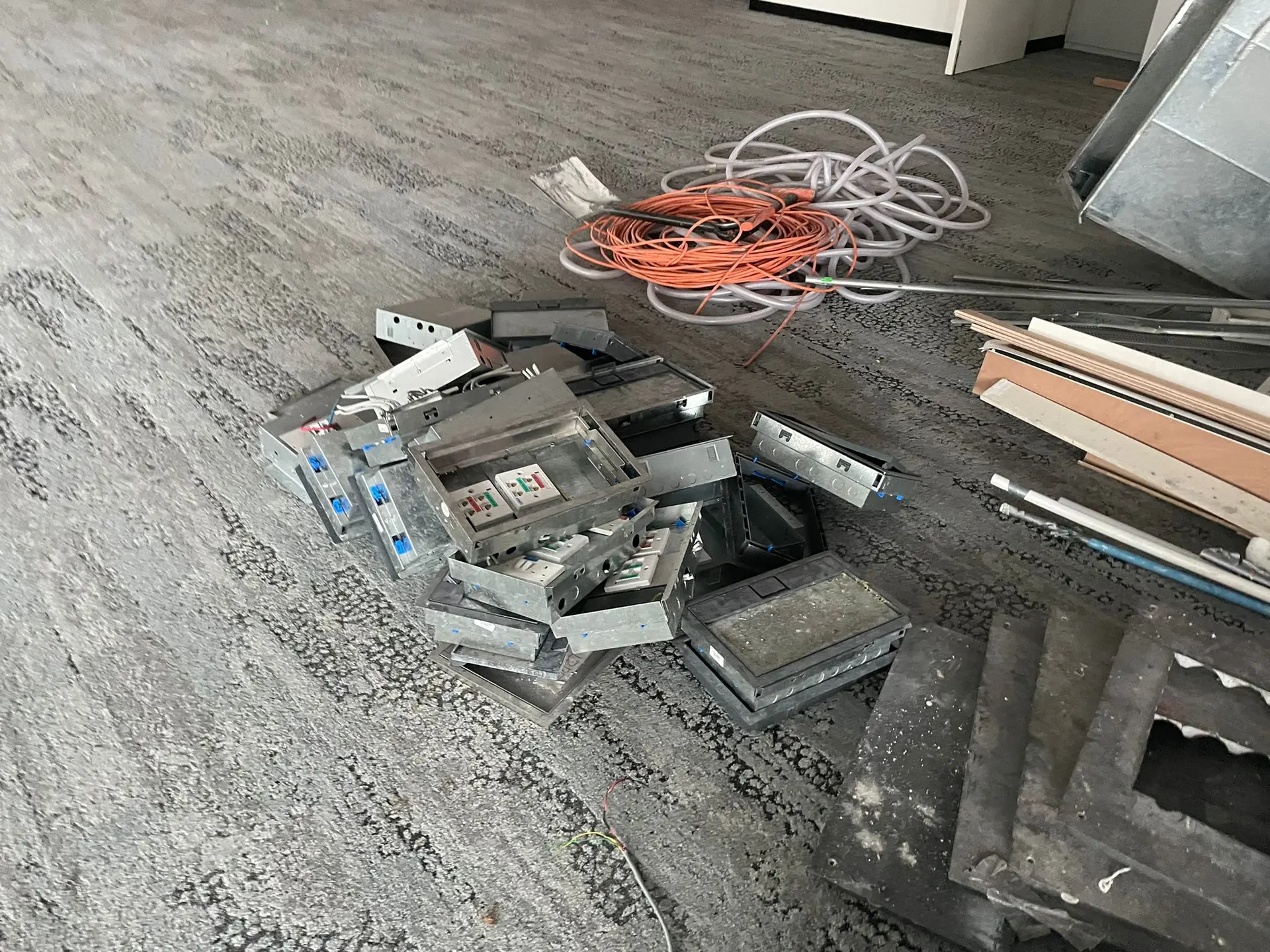
Large printers and copiers contain circuit boards, hard drives (yes — modern copiers store every document they've ever scanned), and toner chemicals. Under Singapore's e-waste management framework, these items should be routed through proper recycling channels rather than going straight to general waste.
We route e-waste through licensed intermediaries who handle the sorting, data destruction, and material recovery. Metals get recycled. Plastics get processed. Hard drives get wiped or destroyed.
The data angle matters. If your copier has a built-in hard drive (most networked multifunction units manufactured after 2010 do), it may contain stored images of every print, scan, and copy job. For businesses handling sensitive documents — legal firms, medical clinics, financial services — this is a compliance concern. Flag it when you contact us and we'll confirm the disposal routing.
Common Mistakes We See After 10+ Years
Trying to move it yourself. We've arrived at jobs where the office team attempted to wheel a 100kg copier across carpet tiles. The castors dug in, tiles ripped up, and the machine tipped. Now you've got a damaged floor and a toner spill. Don't.
Forgetting the accessories. That stack of spare toner cartridges in the storeroom? The paper trays you removed last year? The network cable running under the raised floor? Gather everything before the pickup so it all goes in one trip.
Waiting until the last day of your lease. If you're handing back office space, your landlord's handover inspection won't pass with a dead copier in the corner. Give yourself at least a week's buffer. We typically work within 24–48 hours' notice for standard jobs, but tight-deadline requests are subject to availability and may incur additional charges.
Mini-FAQ
Q: Can the town council collect my office copier? A: Town councils handle bulky item disposal for HDB residential estates — not commercial premises. Even for residential, you'd need to dismantle the unit first. For office copiers, you need a commercial disposal service.
Q: Do you collect just one printer, or is there a minimum? A: We collect single items. One desktop printer, one floor-standing copier, or an entire print room clearout — no fixed minimum. Send us photos via WhatsApp and we'll quote accordingly.
Q: What about the printer lease company's "disposal fee" — is it cheaper to use you? A: We can't comment on what your leasing company charges, but we can give you a free no-obligation quote within minutes of receiving your photos. Many office admins find our pricing straightforward compared to the admin overhead of chasing a leasing company that's already washed their hands of the unit.
Ready to Get That Copier Out?
Copiers rarely leave on their own — they go out alongside the rest of your IT gear. Our office IT equipment disposal service handles printers, copiers, and the data-bearing hardware inside them through licensed e-waste channels. Send us a few photos on WhatsApp — the machine, the access path (corridor, lift lobby), and any stairs or ramps involved. We'll come back with a clear quote. No dollar figures hidden behind callbacks or site visits.
Fast. Clean. Done.
WhatsApp us at 9730 4047 — message "Hi, I need to dispose of an office copier" and attach your photos.